
How to Stop Cuisinart Coffee Maker From Beeping
If your Cuisinart coffee maker won't stop beeping, let's investigate solutions. For models like the DCC-3200, use the tone button on top to toggle the beep off. No button? Check the manual for specific instructions, or try holding the menu button for three seconds. Feel adventurous? Disconnecting the beep wire might help, but be cautious to avoid warranty issues. For persistent problems, contacting Cuisinart support could be advantageous. Want more information?
Key Takeaways
- Check if your model has a tone button, like the DCC-3200, to disable beeping.
- Hold the "Menu" button for three seconds to silence beeping on menu-based models.
- Consult the user manual for model-specific beep control instructions.
- Use a dish towel or tape over the speaker to reduce the beep volume.
- Contact Cuisinart customer support for persistent beeping issues or troubleshooting help.
Understanding Beep Control Features in Cuisinart Models
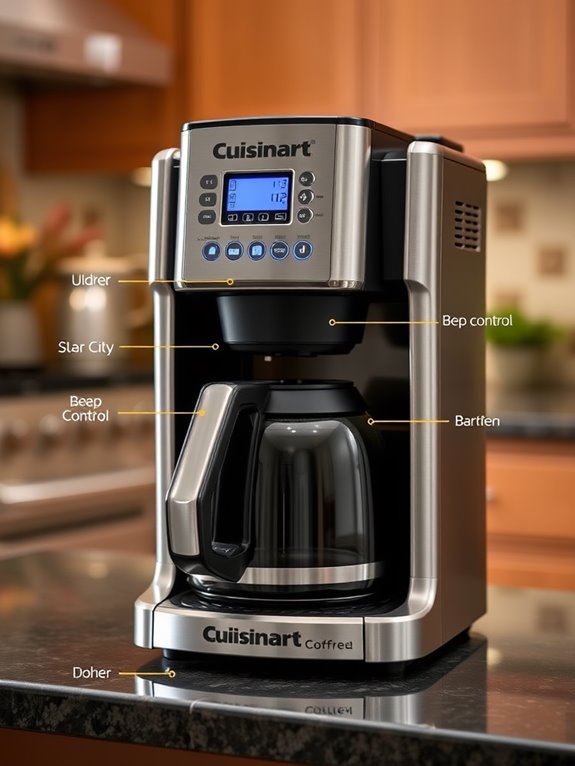
Understanding the beep control features in Cuisinart coffee makers can be a life-changing element for those who prefer a quieter brewing experience.
Let's investigate the methods to silence that persistent beep.
First, check if your model, like the DCC-3200, has a tone button. Press this to toggle the beep on or off. Look for an "X" through a speaker icon—it signifies the beep is disabled.
Alternatively, some models offer a menu-based method. Press and hold the "Menu" button for three seconds. Remember, this silences all beeps. This common problem is noted by multiple users in forum discussions, indicating a shared frustration with loud alerts.
Always consult your manual for guidance specific to your model.
Identifying Models With Built-In Beep Control
Let's plunge into the world of Cuisinart coffee makers to help you identify models with built-in beep control, ensuring a peaceful brewing experience.
The Cuisinart DCC-3200 is your go-to model, featuring a tone button on top. By pressing it, you can easily disable the beeping sound, indicated by an icon with an "X" through a speaker.
This user-friendly feature allows you to silence end-of-cycle beeps effortlessly. Most models with built-in beep control have this tone button positioned on top.
To confirm, always check the user manual or manufacturer's instructions for detailed guidance on beep control features.
Troubleshooting Beep Control for Models Without a Tone Button
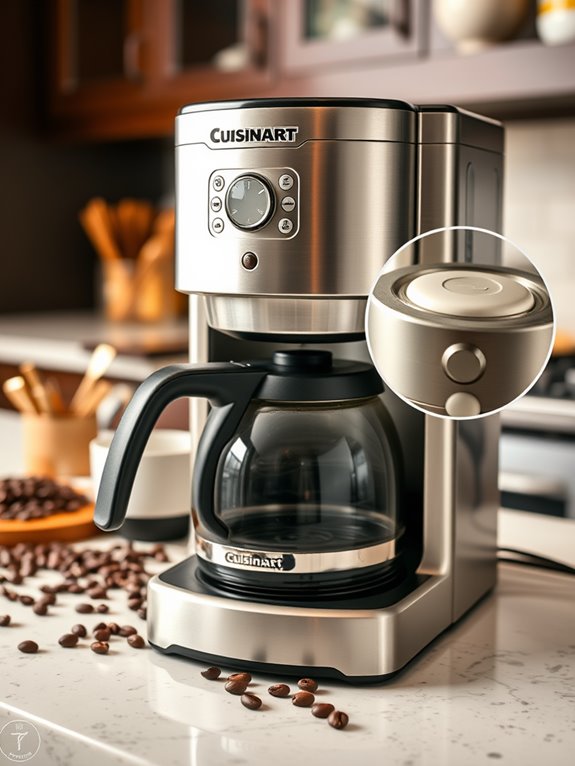
If your Cuisinart coffee maker doesn't have a tone button, you might wonder how to silence those persistent beeps.
Let's investigate some troubleshooting steps. First, consult your manual or visit the manufacturer's website for guidance specific to your model. Confirm all parts are correctly installed, as open lids or missing components might cause continuous beeping.
You might consider resetting the appliance, which sometimes clears minor issues. For more comprehensive solutions, you can contact Cuisinart customer support for model-specific advice.
DIY Methods for Silencing Beeping
Although troubleshooting technical issues can help, DIY methods offer creative solutions to silence your Cuisinart coffee maker's beeping.
Let's investigate some effective techniques:
- Model-Specific Controls: For models like the DCC-3200, use the tone button to toggle the beep on and off. Check the user manual for instructions specific to your model.
- Internal Component Modifications: If your model lacks a tone button, carefully disconnect the beep wire from the circuit board. Be cautious, as this could void the warranty.
- External Muting Techniques: Place a folded dish towel or tape over the speaker to reduce the beep's volume.
Before attempting any internal modifications, ensure your coffee maker is functioning properly by checking the power connections and outlet first.
Seeking Manufacturer Support for Beep Issues
When your Cuisinart coffee maker's beeping becomes more of a nuisance than a notification, seeking support from the manufacturer can be a helpful step toward a quieter kitchen.
Start by contacting Cuisinart's customer service at 1-800-726-0190 or use their online inquiry form. They'll guide you through warranty service, where your coffee maker could be repaired or replaced. Make sure you have your proof of purchase handy.
Additionally, visit Cuisinart's official website for manuals or video tutorials that might address beep issues.
Exploring Alternative Solutions for Reducing Noise
Have you ever wondered how to quiet down your Cuisinart coffee maker without relying solely on manufacturer support?
Let's investigate some alternative solutions to reduce noise effectively.
Start by considering different coffee maker designs or features:
- Manual Options: Use a non-electric coffee maker, which eliminates electronic noise altogether.
- Built-in Features: Opt for models with noise-reduction technology, such as silicone sleeves around moving parts.
- Adjustable Settings: Choose a coffee maker with a tone button that lets you disable beeping sounds.
Regular mineral buildup cleaning can help prevent excessive operational noise that often triggers alert beeps.
Tips for Preventing Beeping Issues Before Purchase
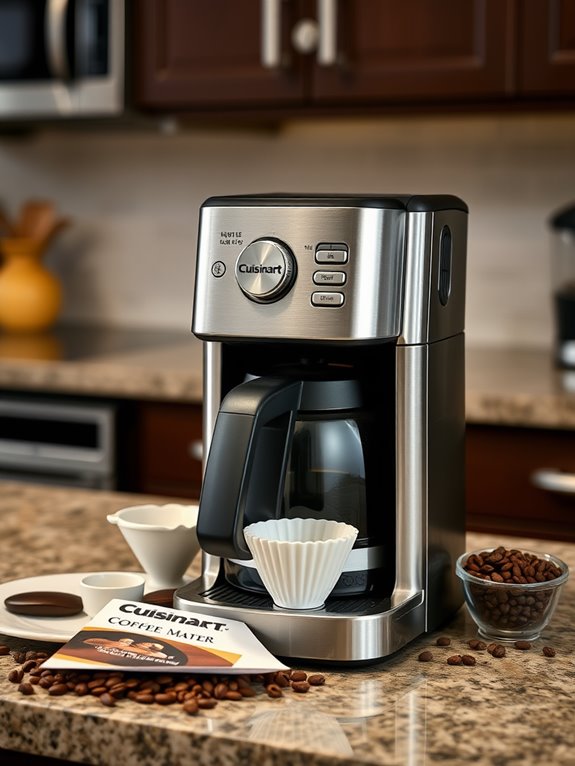
Before purchasing a Cuisinart coffee maker, it's crucial to understand how to prevent beeping issues, ensuring a more peaceful brewing experience.
Like the DeLonghi Dinamica ECAM35025SB, choosing a coffee maker known for quieter operation can help avoid noise concerns from the start.
Let's investigate some tips. First, check model specifications for silent or adjustable beep features. Research models; some have a tone button on top to disable beeping.
Older models might let you disable beeps by holding the "Menu" button for 3 seconds. Review user manuals for built-in settings, and consult the manufacturer's FAQs for guidance.
Additionally, seek noise-reducing designs with sound-absorbing materials or quieter blades. Finally, review customer feedback on beeping issues for your chosen model.
Utilizing Community and Professional Support
To guarantee a peaceful brewing experience, you might've examined various preventive measures before purchasing your Cuisinart coffee maker.
Just as mineral buildup can cause unusual machine noises, persistent beeping requires proper troubleshooting.
Let's investigate community and professional support options. Employing community forums can be enlightening:
- Community Forums: Uncover model-specific beeping solutions, make use of the "tone" button, or watch tutorials on YouTube.
- Troubleshooting Guides: Websites like iFixit offer detailed guides. Check your manual for beeping controls or consider professional repair for complex issues.
- Professional Assistance: Contact Cuisinart for friendly support. Repair services handle complex repairs, ensuring safety and potentially taking advantage of warranty benefits.