How to Fix Cuisinart Coffee Grinder
To fix your Cuisinart coffee grinder, start by confirming it's plugged in and the outlet's operational. Check and reset any tripped circuit breakers. If the grinder's not working, inspect it for clogged burrs or foreign objects, cleaning them as needed. Ascertain no chutes are blocked and parts are aligned correctly. Regular maintenance with soft-bristled brushes prevents buildup. If issues persist, consult a professional. Improve performance and enjoy well-ground coffee when you investigate more detailed guidance.
Key Takeaways
- Check for power issues by ensuring the grinder is plugged in and the outlet is functioning properly.
- Inspect for clogged burrs or foreign objects causing blockages and clean thoroughly.
- Verify the grinder alignment to ensure the hopper is correctly positioned before use.
- Regularly clean and maintain the grinder to prevent wear and tear and maintain functionality.
- For persistent mechanical or electrical issues, consult a professional technician for safe and effective repairs.
Identifying Common Grinder Issues
Have you ever wondered why your coffee grinder isn't working as it should?
Let's examine common issues that might be affecting your grinder's performance.
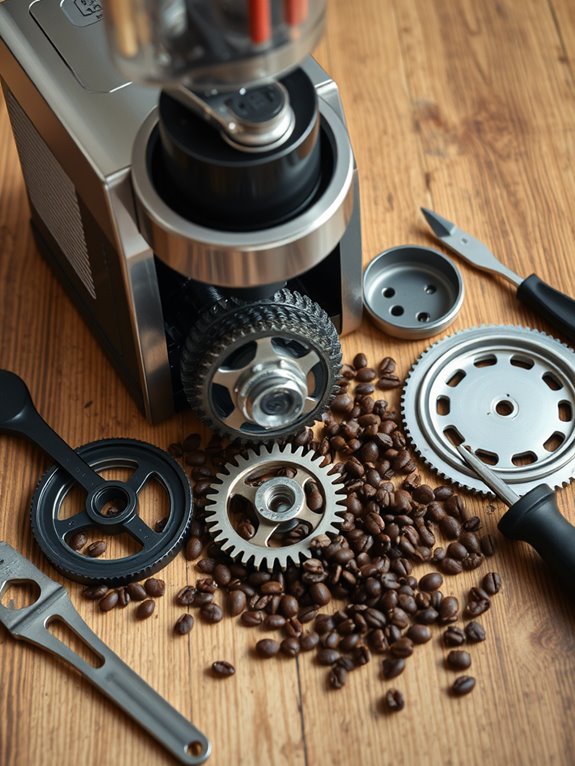
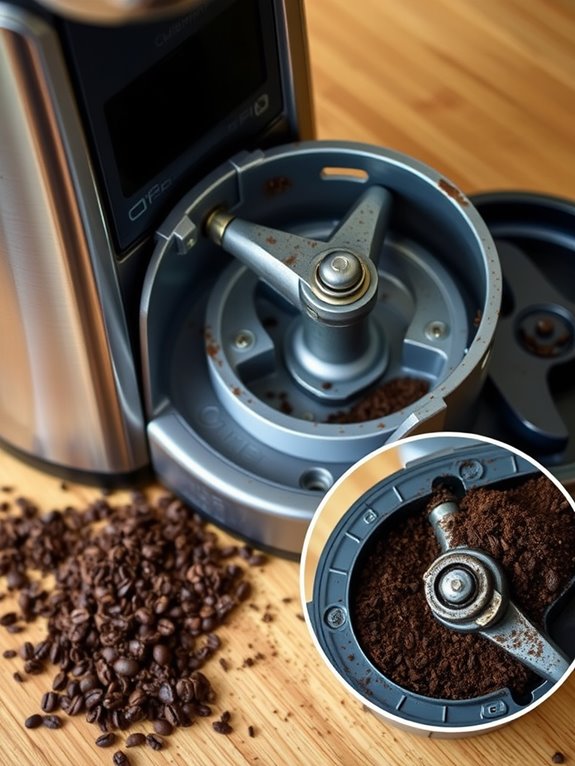
Blade/Burr Blockage: Coffee residues or foreign objects like small stones can jam the blades. Remove visible debris with a toothbrush or disassemble for severe clogs, guaranteeing correct reassembly. Regular cleaning with grinder cleaning tablets helps prevent residue buildup and blockages.
Faulty Motor: Overheating or wear can damage the motor. Stop grinding to cool down if a burning smell occurs; professional repair may be needed. A burning smell can indicate potential motor damage requiring immediate attention.
Grinder Misalignment: Misplaced hoppers or containers disrupt grinding. Confirm proper alignment before use.
Wear and Tear: Regularly clean and replace worn parts to maintain functionality.
Troubleshooting a Non-Functioning Grinder
When your coffee grinder refuses to work, it might seem frustrating, but troubleshooting can often get it back up and running.
Let's investigate some steps to help. First, verify the grinder's plugged in and the outlet's switch is on. Next, check circuit breakers for any tripped switches. Confirm the power switch on the grinder is in the "on" position.
If these don't work, consider electrical issues like short circuits or broken wires. Mechanical faults, such as clogged burrs or foreign objects, might also be the culprit.
Like a coffee maker, you can clean your grinder with a vinegar solution to remove stubborn buildup that affects performance.
For persistent problems, consulting a qualified technician guarantees safety and proper repair.
Addressing Vibrations and Noise
Although a coffee grinder's vibrations and noise might seem like unavoidable nuisances, you can effectively manage these disturbances with the right techniques.
Let's investigate some solutions:
Vibration Reduction Techniques
Place your grinder on sound-absorbing surfaces like silicone mats or towels, which help dampen vibrations.
If possible, grind in a quieter area to lessen noise disruption.
Noise Minimization Strategies
Grind beans at lower speeds to reduce noise, and consider using manual grinders for quieter operation.
You can also pulse the grinder to avoid overheating and excess noise.
Soundproofing the Grinder
Cover the grinder with silicone or fabric covers to muffle sounds, or create a DIY soundproofing wrap with foam sheets.
A wooden box enclosure can significantly reduce grinding noise while still allowing easy access to your machine.
Cleaning and Maintenance Practices
To keep your coffee grinder in top condition, regular cleaning and maintenance are essential.
Start by unplugging the grinder for safety, then disassemble the bean hopper and grind chamber. Use a soft-bristled brush to clean residues, guaranteeing every nook is reached.
Wipe the housing base with a damp cloth, applying cleaning agents to the cloth, not directly. For deep cleaning, use uncooked rice or vinegar to clear oils.
Employ cleaning tablets for burrs, and if parts allow, wash with soapy water. Ascertain parts are completely dry before reassembling.
Clean weekly and inspect parts, following the manufacturer's guidelines for best results.
While daily cleaning isn't required, removing rancid coffee oils helps maintain optimal flavor in future brews.
Repairing or Replacing Damaged Components
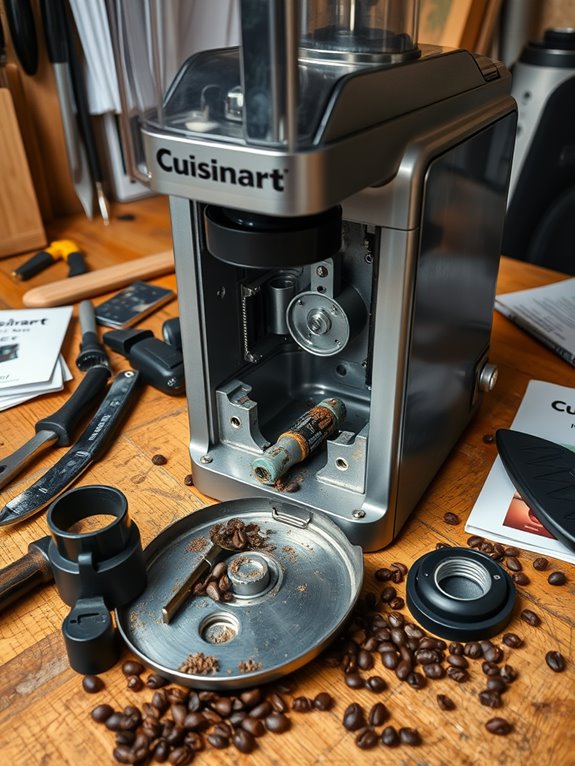
Repairing or replacing damaged components in your coffee grinder can seem intimidating, but understanding the process makes it manageable and even satisfying. First, identify the issue. If parts need replacing, Cuisinart offers authentic components online. For persistent blockages or leaks, verify you've correctly identified the problem to avoid unnecessary purchases. Some parts, like the motor, might need professional help. Let's examine common failures:
| Issue | Cause | Solution |
|---|---|---|
| Blocked chute | Bean build-up | Clean and clear chute |
| Leaks | Corrosion or faulty clamps | Replace or repair parts |
| Grinding issues | Foreign objects | Remove objects, check parts |
| Power problems | Tripped safety switches | Reset or check power |
| Advanced repairs | Electronic failures | Seek professional aid |
Understanding these issues helps guarantee your grinder works efficiently.
Assembling the Grinder Correctly
Once you've tackled the challenge of repairing or replacing any damaged components, it's time to verify your coffee grinder is assembled correctly for peak performance.
Bean Hopper Assembly
Remove the Bean Hopper lid, fill it to the top (maximum 8 ounces), and confirm the lid closes securely.
Position the Slide Dial to your desired number of cups (4-18) based on your coffee strength preference.
Alignment and Safety
Verify the grind chamber and hopper are aligned.
Align the upper burr with the feed tube, securely screw the threaded tube onto the base, and select the grind accordingly.
Always unplug before assembly and use appropriate tools to avoid damage.
Preventative Measures for Longevity
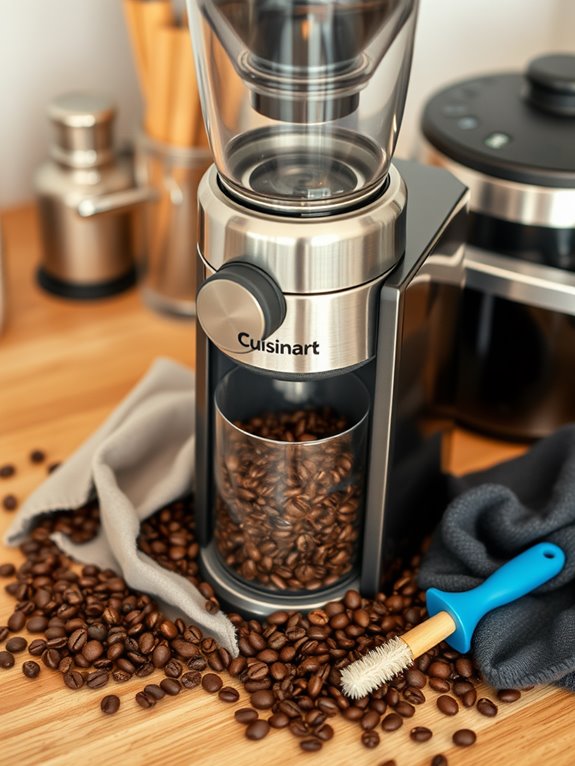
When it comes to ensuring your coffee grinder lasts for years, preventative measures are key.
Regular cleaning is essential: empty the hopper and grind chamber frequently, and use a brush to clear the grinding mechanism of residue. Wipe down components with a damp cloth; for deep cleaning, try vinegar or cleaning tablets. Let everything air-dry fully to avoid moisture damage.
Prevent oil buildup by choosing high-quality beans and occasionally grinding uncooked rice.
Establish a weekly maintenance routine—disassemble for thorough cleaning, use a vacuum for leftover grounds, and check for wear and tear to maintain consistent performance and extend your grinder's life.
Seeking Professional Repair Assistance
Taking great care of your coffee grinder can certainly extend its life, but sometimes, professional help is needed to address more complex issues. When that time comes, let's investigate some options.
Offshore Coffee Co. and Seattle Coffee Gear offer expert repair services, ensuring genuine parts and minimal downtime.
Here's how to proceed:
- Research Reputable Providers: Use online reviews to find trusted service centers.
- Understand Costs: Be aware of diagnostic fees, like Seattle Coffee Gear's $55 charge.
- Check Warranties: Verify if your machine is still under warranty.
- Contact and Ship: Follow specific packaging instructions for safe transit.